
Business Communication
Discover AI-powered messaging, WhatsApp API, IVR solutions, RCS messaging, call center services and customer engagement tools designed for modern businesses.
No spam. Only valuable updates & business insights.
Discover AI-powered messaging, WhatsApp API, IVR solutions, RCS messaging, call center services and customer engagement tools designed for modern businesses.
No spam. Only valuable updates & business insights.
Launch, automate and optimize WhatsApp advertising campaigns using Artificial Intelligence. Capture leads, engage customers instantly, automate follow-ups and increase conversions from a single dashboard.
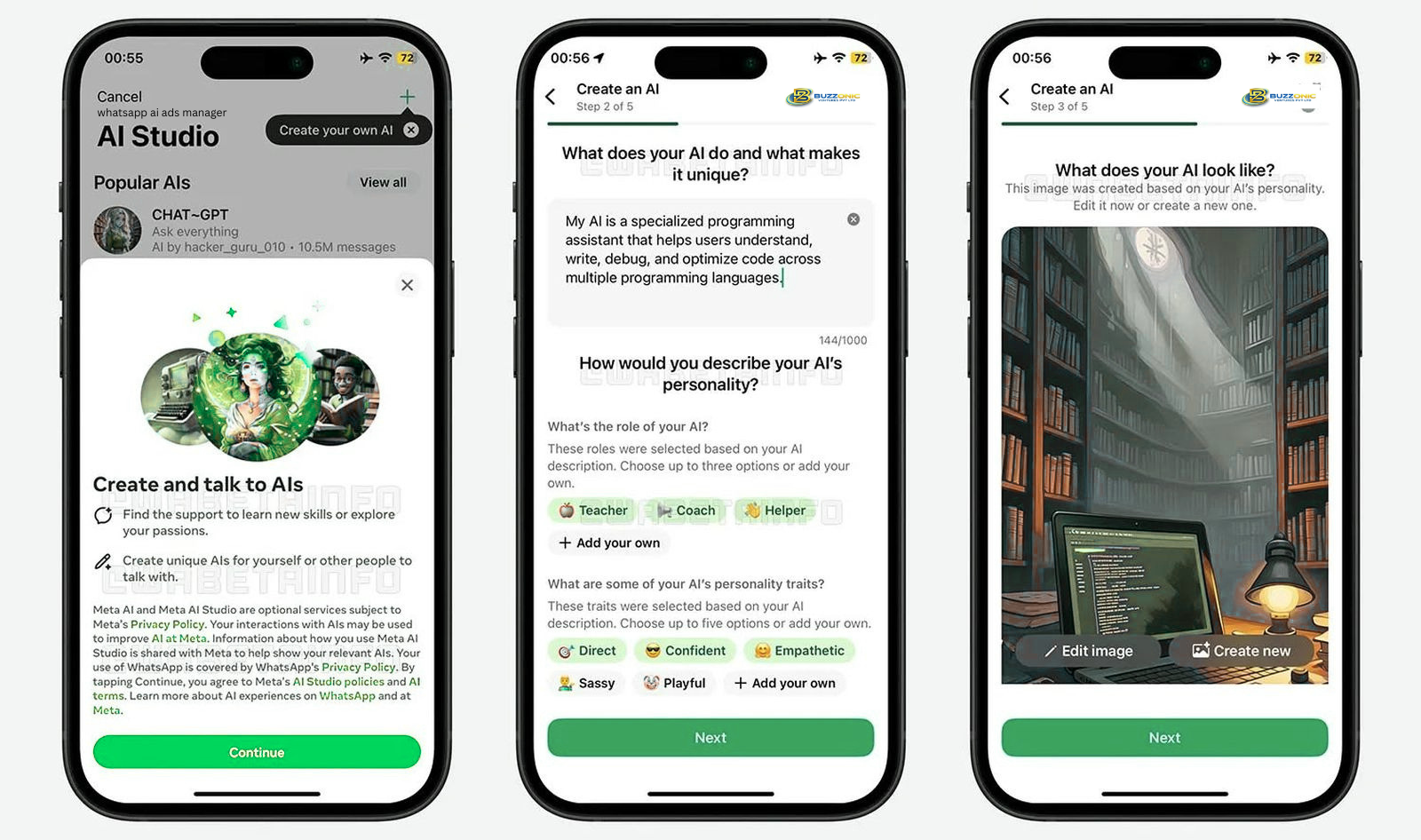
WhatsApp AI Ads Manager is an intelligent marketing platform that automates customer engagement, lead generation, and campaign optimization directly through WhatsApp.
Using advanced AI technology, businesses can instantly respond to customer inquiries, qualify leads automatically, and deliver personalized marketing messages at scale.
It helps businesses increase conversions, reduce manual effort, and create a seamless customer journey from advertisement to sale.
Automate customer conversations 24/7.
Generate and qualify high-quality leads automatically.
Increase engagement and boost campaign performance.
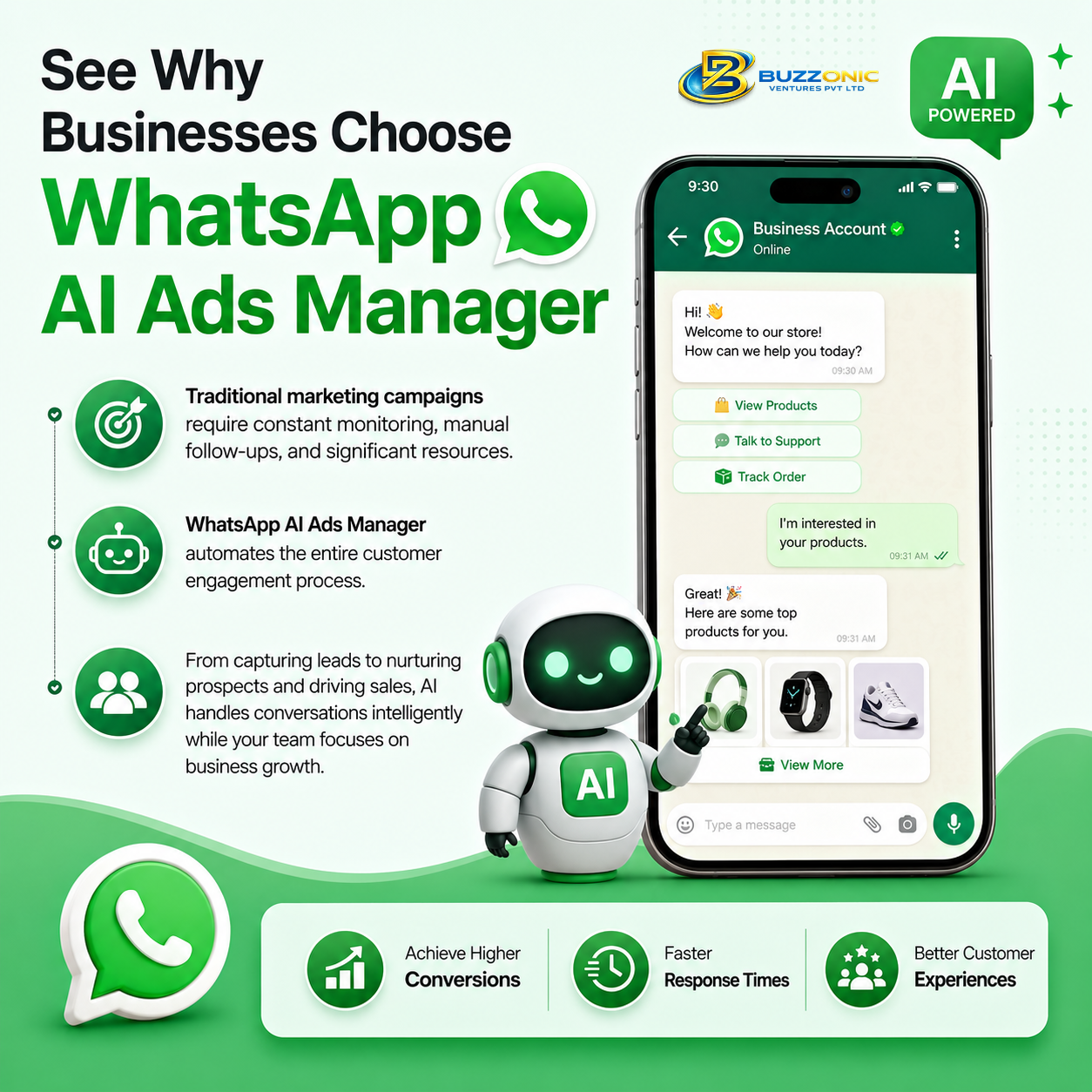
Traditional marketing campaigns require constant monitoring, manual follow-ups, and significant resources. WhatsApp AI Ads Manager automates the entire customer engagement process.
From capturing leads to nurturing prospects and driving sales, AI handles conversations intelligently while your team focuses on business growth.
Achieve higher conversions, faster response times, and better customer experiences with AI-driven WhatsApp marketing.
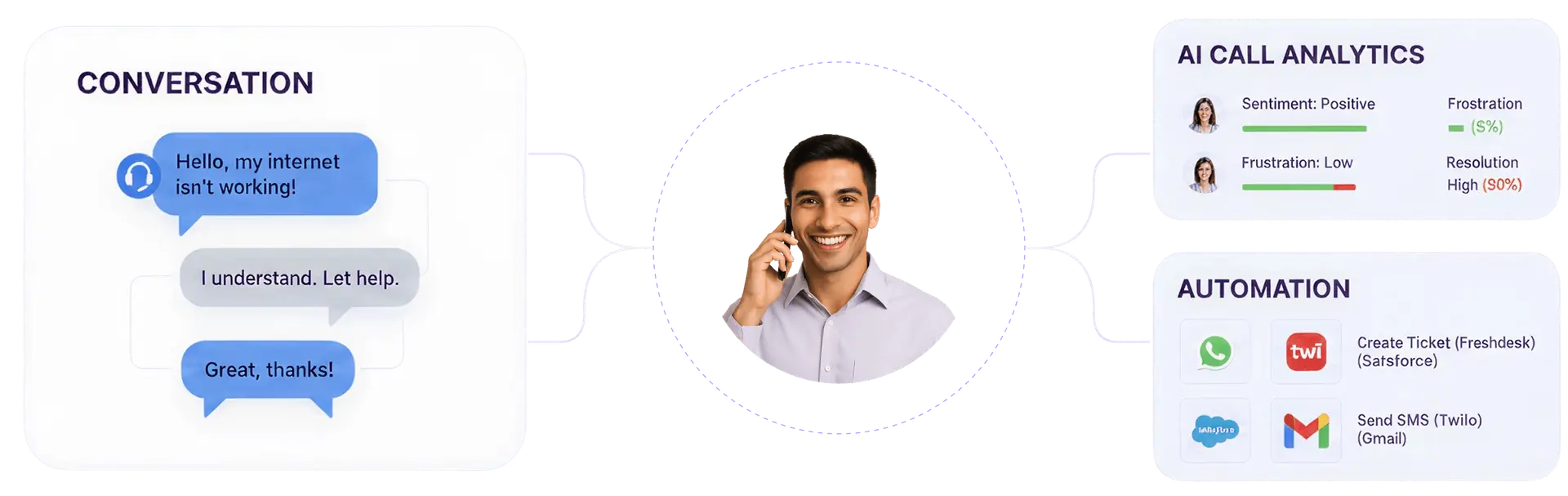
Automate lead generation, customer engagement, ad optimization, and sales conversations with an AI-powered WhatsApp marketing ecosystem.
Engage prospects instantly, answer queries, recommend products, and move customers through the sales funnel automatically.
Convert Facebook and Instagram ad traffic into AI-powered WhatsApp conversations that generate qualified leads instantly.
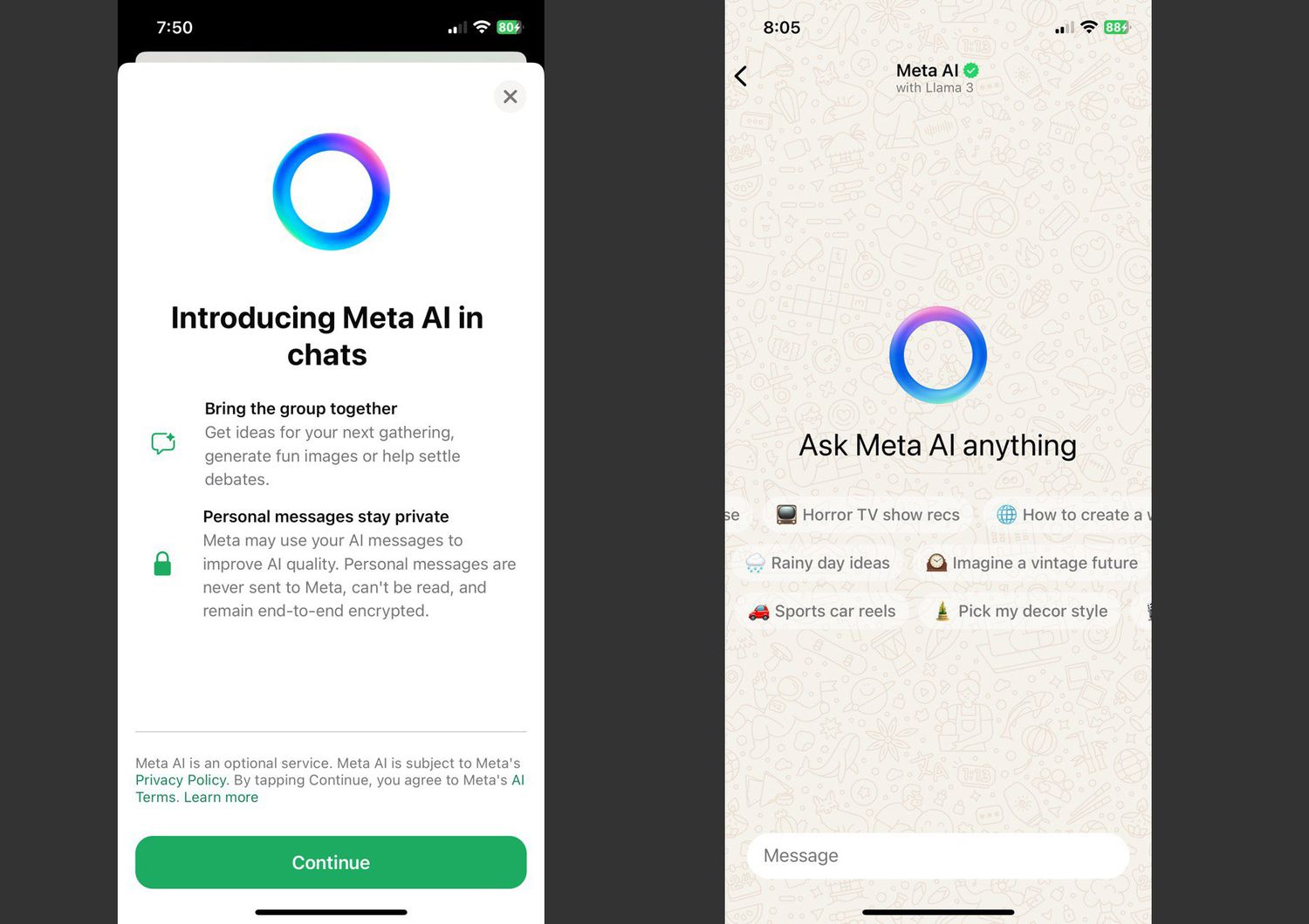
Launch, automate, optimize, and scale your WhatsApp advertising campaigns using AI-powered workflows. From lead capture to conversion, everything happens automatically.
Open the Buzzonic Ventures App. New users can create a free account without providing credit card information.
The free account includes permanent access to the Ads Manager + ₹ 1000 Meta Ads credits + ₹50 Free WhatsApp Conversation Credits.
Get Started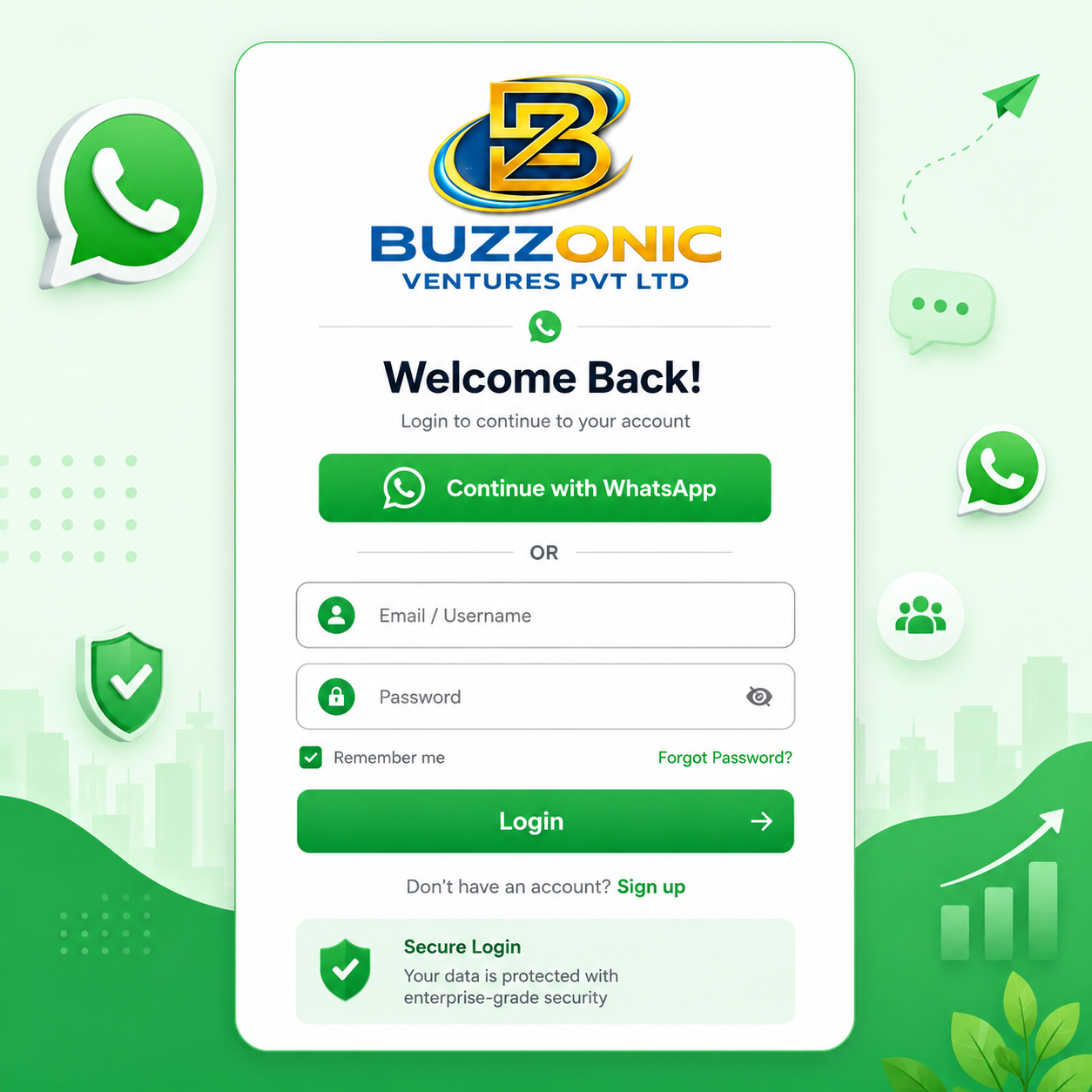
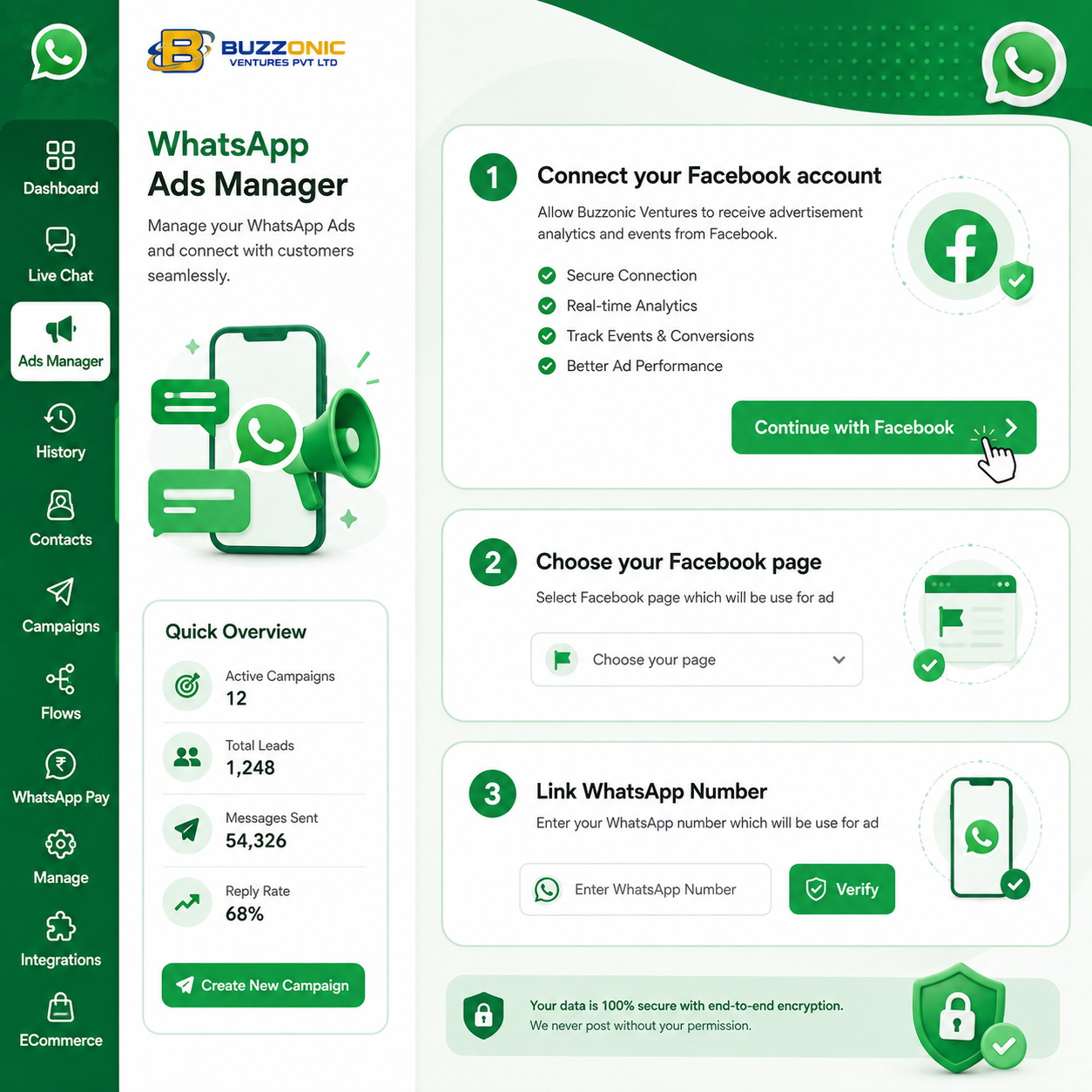
Go to "Ads Manager" in the left sidebar and Connect your WhatsApp Business API, Meta Business Manager, Facebook Page and Instagram account in a few Ads clicks.
Get StartedClick "+ Create Ad" and Choose Click-to-WhatsApp, Website, or Lead Form Ad based on your campaign objective (Traffic, Engagement, Sales, Leads).
Get Started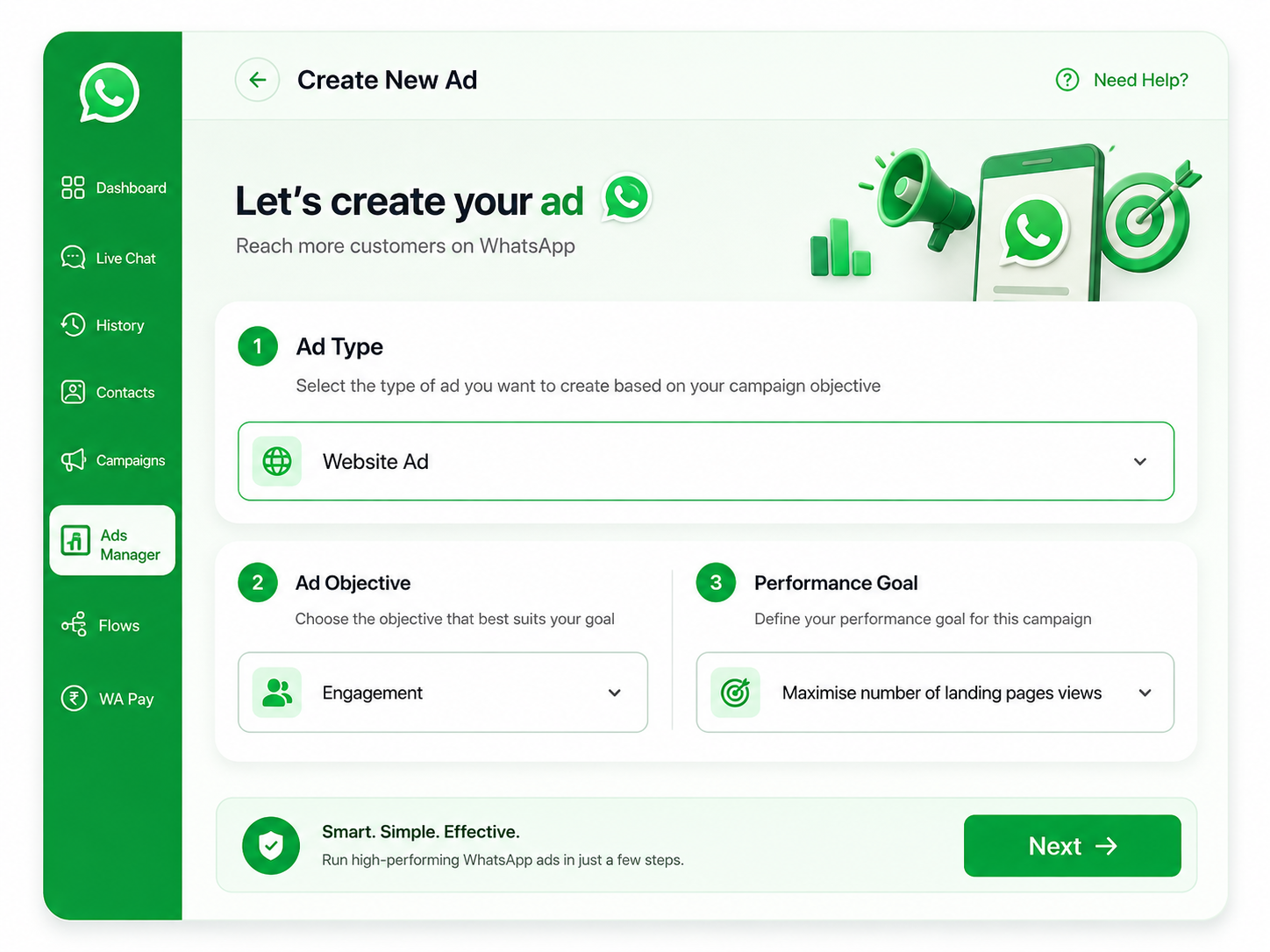
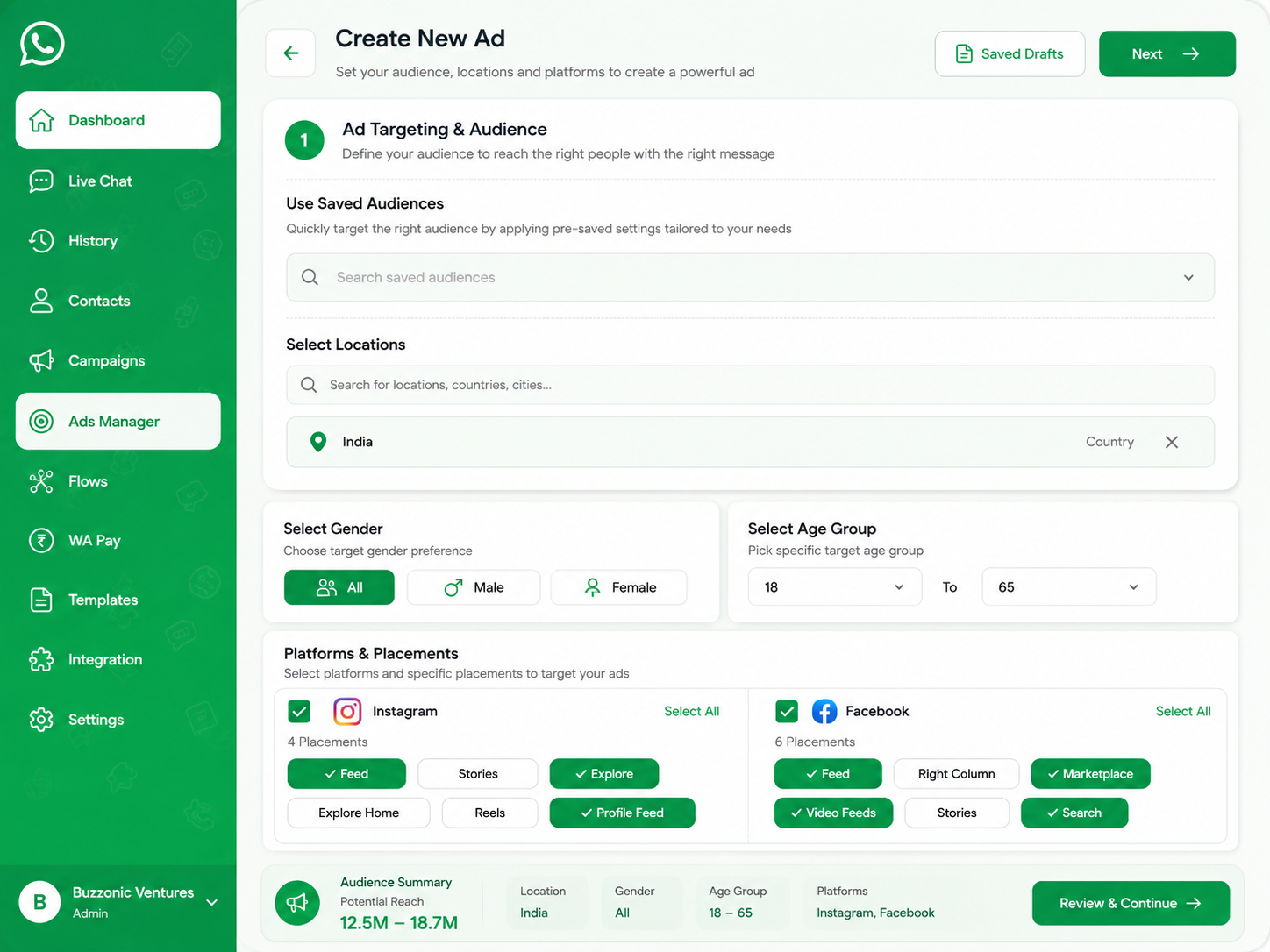
Select geo-location, age, gender, interests, and behaviors. Choose platforms (Instagram & Facebook) and placements (Feed, Stories, Explore, Reels, Marketplace).
Get StartedPublish campaigns across Facebook, Instagram and WhatsApp with one-click deployment.
Get Started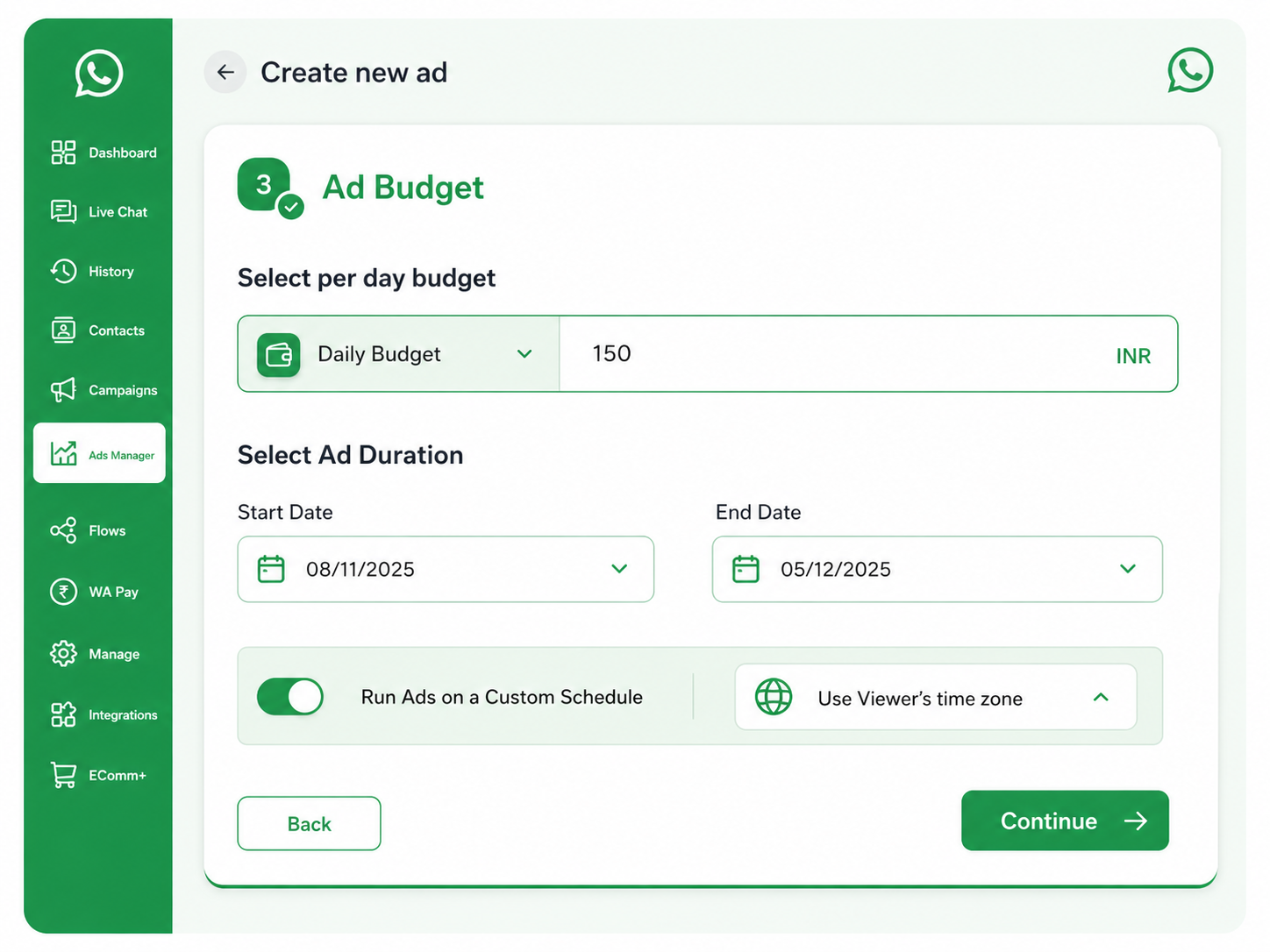
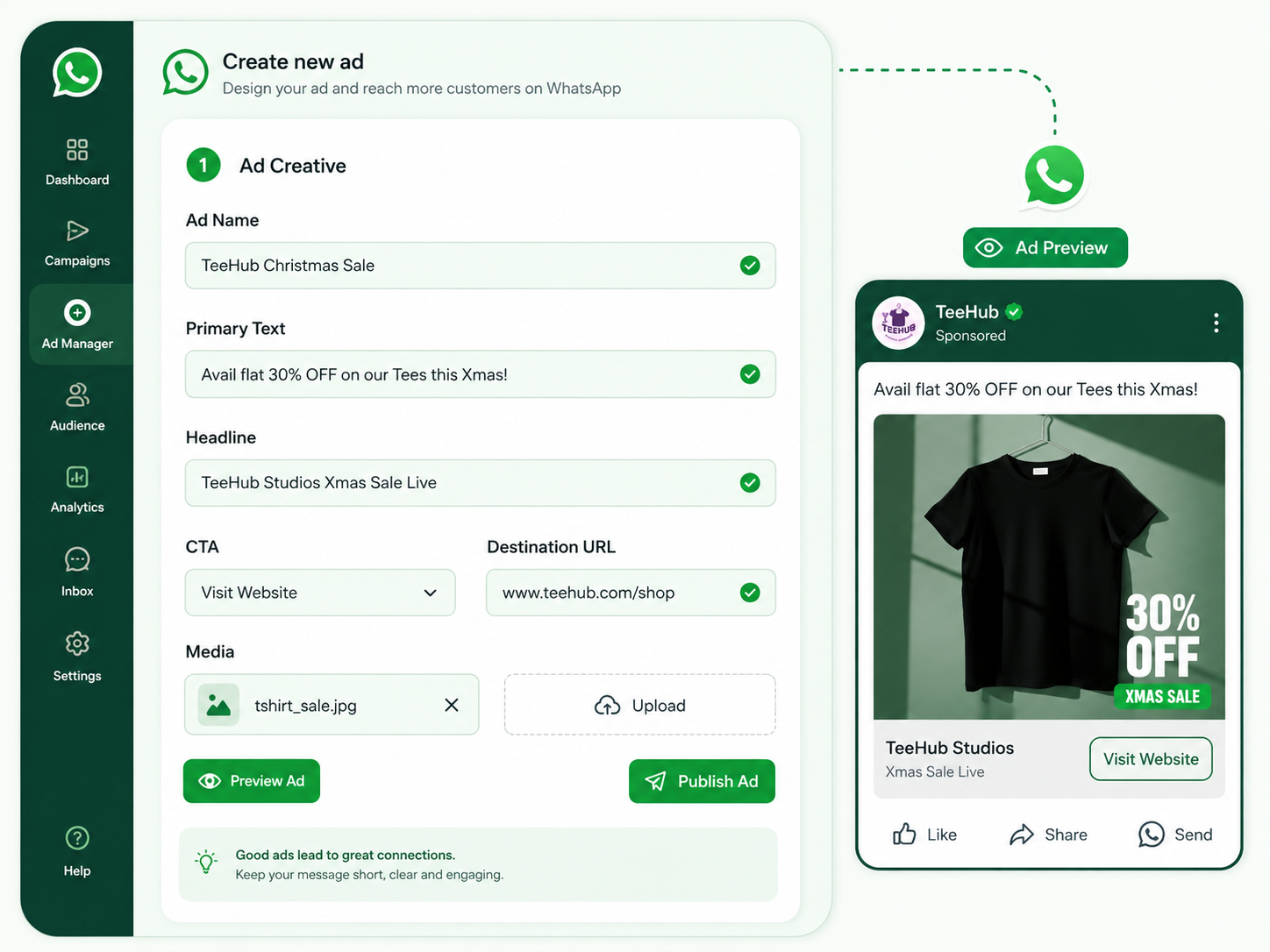
Fill in ad details and upload creative.
Optionally, use AI Ad Creative Generator to create professional visuals in seconds.
Get StartedClick "Publish" to submit your ad for approval. Facebook typically approves ads within 15-20 minutes. Monitor performance in the Ads Manager dashboard.
Get Started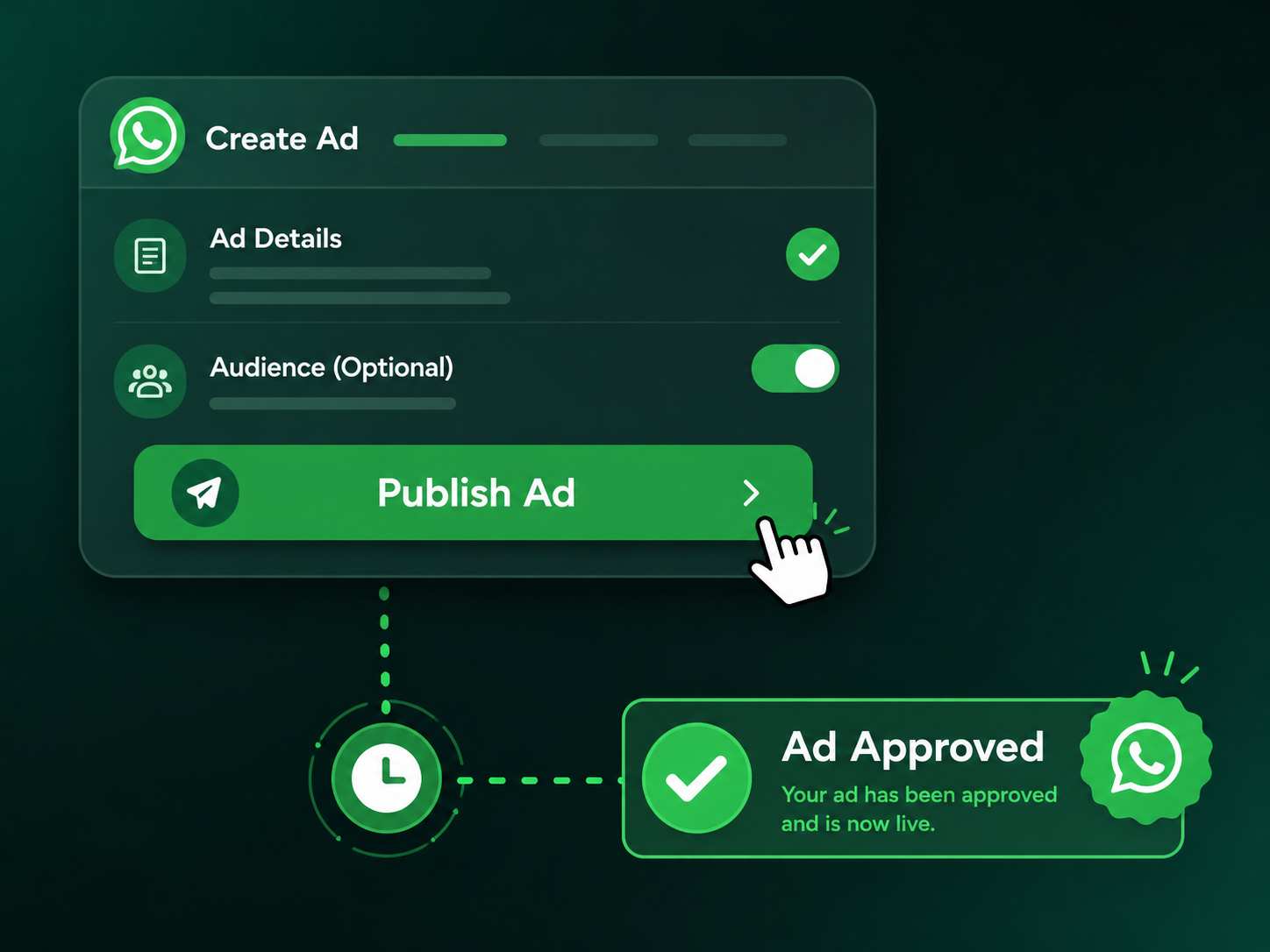
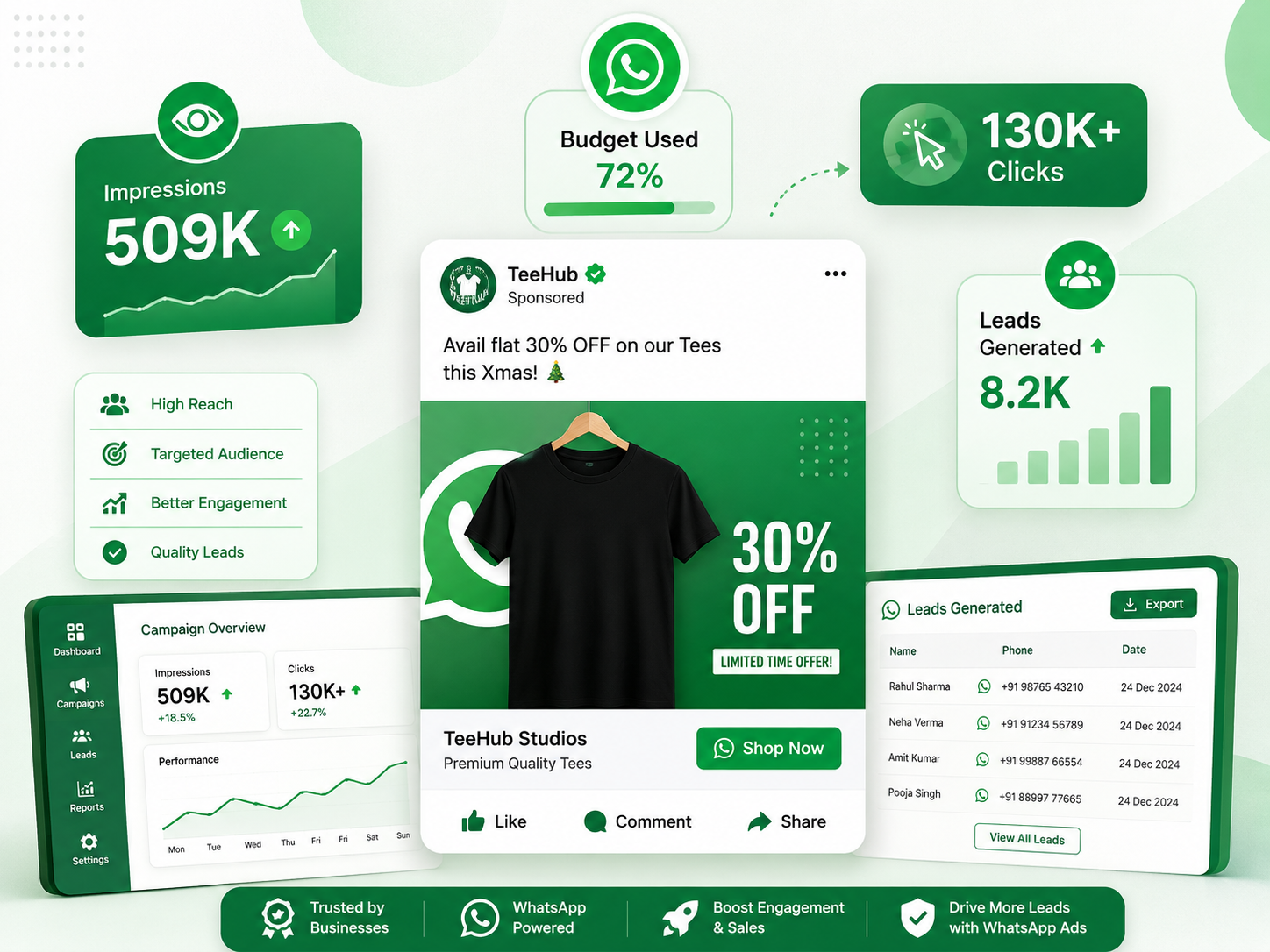
Go to Ads Manager to view your Ad status. If your Ad gets rejected, you can view the rejection reason in your Facebook Ads account. If approved, you're ready to launch.
That's it!
It's time to start creating Ads on Facebook/ Instagram via Buzzonic Ventures & drive leads to your WhatsApp Business account.
Get StartedAutomate customer engagement, generate high-quality leads, and maximize conversions with our AI-powered WhatsApp Ads Manager. Everything you need to run smarter marketing campaigns in one platform.

Your business must have an active and live WhatsApp Business API account.
Complete Meta Business Manager verification and KYC process successfully.
At least 5 genuine organic news or PR articles mentioning your brand.
Your WhatsApp account should be on Tier 2 or above messaging level.
Enable two-factor authentication (2FA) for enhanced security.
Your brand should have a strong market presence and public recognition.
Only legally registered businesses can apply for verification.
Your business display name must be approved by Meta.
Maintain high-quality messaging and positive customer engagement.